Show, don't explain.
Draw, point and guide your client live to avoid misunderstandings.
- 5 free sessions
- No credit card
- No commitment
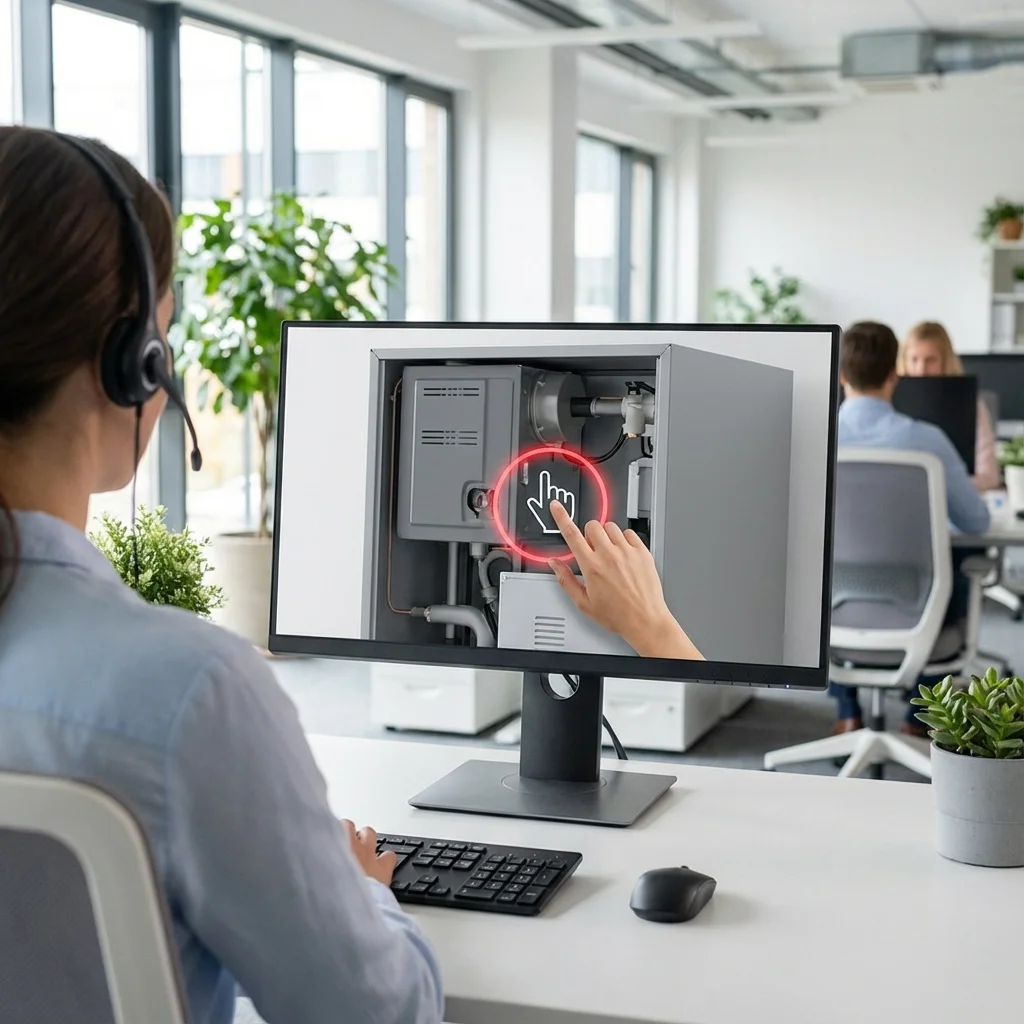
Technical Annotations
Draw technically on what the client is filming. Lines appear in real-time.
Interactive Pointer
Use a precise focus point to designate a component without drawing.
Chat Instructions
Maintain written contact to send references or precise diagrams.
Fewer site visits
Resolve more issues remotely and avoid unnecessary trips. Your customers are satisfied faster.
Simple video assistance
Universal, works on any device with no app to download.
Augmented guidance: a revolution for remote assistance
Augmented guidance is a technology that allows an expert to draw in real-time directly on the video stream of a remote contact. In practice, when a call center technician observes what the client's camera is filming, they can draw arrows, circle elements, write text, and point to specific areas — and these annotations appear instantly on the client's screen.
This approach eliminates the ambiguity inherent in verbal instructions. Instead of saying "press the red button on the right," the expert shows exactly which button, where it is, and how to operate it. The result: a higher first-call resolution rate, a drastic reduction in diagnostic time, and significantly improved customer satisfaction.
GroundCam goes beyond simple screen sharing. Live drawing overlays the HD video stream, strokes automatically fade after a few seconds to avoid cluttering the view, and the virtual laser pointer guides attention without leaving marks. Everything works in the client's web browser, without any installation.
For maintenance companies, augmented guidance allows solving a problem in 10 minutes instead of scheduling a half-day visit. For insurance, it enables guiding a policyholder in documenting a claim with photographic precision. For technical services, it transforms every call into a high-definition visual support session.
All Features
Everything you need during a session to see, guide and keep a record.
Session Tools
Live Video
Real-time video communication between agent and client.
Live Audio
Voice communication during video sessions.
Live Drawing
Annotate the client's camera feed in real-time.
Laser Pointer
Point precisely to elements on the client's screen.
Live Chat
Text messaging during video sessions.
HD Screenshots
Capture high-resolution screenshots during sessions.
Visual knowledge base
Your tagged captures enrich your repository. Data remains yours.
Satisfaction Survey
Client feedback rating at end of session.
Auto summary
Every session is automatically transcribed and summarized by AI at the end of the call.
Evidence & Certification
GPS Geolocation
Automatic GPS coordinates on every capture.
UTC Timestamp
Immutable timestamp on all captures.
Tags & Annotations
Add custom tags and bounding box annotations to captures.
Closure Types
Categorize sessions with custom closure categories.
Client Experience
SMS Link
No app needed, client joins via a simple SMS link.
Satisfaction Survey
Client feedback rating at end of session.
Admission Control
Agent controls when the client can join.
Multi-language
Available in 10 languages.
Planning & Appointments
Schedule your sessions and send automatic reminders.
Screen Sharing
The client shares their screen for remote desktop support.
Enterprise & Security
Custom Subdomain
Branded login pages (acme.groundcam.io).
SSO Login
Microsoft & Okta single sign-on.
Team Roles
Owner, Admin, Agent, Viewer role hierarchy.
Credit System
Flexible credit-based billing.
Encrypted audio and video streams
All streams are protected by SRTP encryption, DTLS 1.2 key exchange, and TLS signaling — guaranteed end-to-end confidentiality.
Simple tools to guide with precision
On the job site
The office expert precisely guides the junior technician on-site via smartphone.
At the call center
The operator visually shows the client how to reset their router or open a panel.
Frequently asked questions about augmented guidance
- Does augmented guidance work on all smartphones?
- Yes. GroundCam's augmented guidance works on all modern smartphones with an up-to-date browser (Chrome, Safari, Firefox, Samsung Internet). The client doesn't need to install anything — a simple click on the SMS link is enough to start the video session with live annotations.
- Are the agent's drawings visible in real-time?
- Yes. When the agent draws on their screen (arrows, circles, text, laser pointer), the annotations appear instantly on the client's screen, overlaid on their camera video stream. The delay is less than 100 milliseconds on a standard 4G connection.
- Can guidance sessions be recorded?
- Guidance sessions can be recorded (depending on the plan). The recording includes the client's video stream and the agent's annotations, creating a complete and actionable history for training or documentation.
- Does augmented guidance require a lot of bandwidth?
- No. GroundCam automatically optimizes video quality based on available bandwidth. A standard 4G connection (5 Mbps) is sufficient for a smooth session with real-time annotations. On weak connections, resolution adapts dynamically without interrupting the session.